January 18, 2026
4 min read
Why Baxter? A Smarter Way to Manage Gmail
Most inbox tools give you a fancier way to read the same overwhelming pile of email. Baxter takes a different angle: it fixes the source of the clutter instead of just displaying it.
Sender-first, not message-first
Clutter comes from senders, not individual messages. By organizing your inbox around who's emailing you, Baxter lets you make decisions that apply to every future email at once — no more triaging the same newsletter a hundred times.
Bulk actions that save real time
Select many senders and unsubscribe, archive, or clean them all in one go. What used to be an afternoon of hunting for unsubscribe links becomes a couple of clicks.
Automation that keeps working
Automatic labels and Auto-Clean rules mean your inbox stays organized after you close the tab. Baxter keeps sorting, cleaning, and filtering in the background so you don't have to.
It lives inside Gmail
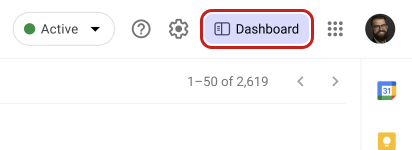
Baxter isn't a separate app you have to remember to open. It works right inside Gmail, adding unsubscribe, label, and clean buttons where you already read your email.
Private by design
Baxter never uses your email for advertising and never sells your data. It follows Google's strict Limited Use requirements for Gmail data — your inbox is yours.